App Launch Update: What to Know & Quick Fixes
Last updated: [January 8, 10:00AM]
We recently launched our brand-new app to the Livy community, welcoming over 25,000 members into a new experience designed to better support your journey.
As expected with a launch of this size, a small number of members have encountered issues. The good news is that the vast majority of members are using the app without any problems, and our team is actively addressing the remaining edge cases.
This page will be updated regularly with the most current information.
✅ TL;DR — Try This First
If something doesn’t look right in the app, most issues can be resolved by:
-
Logging out and back in
-
Making sure you’re logged in with the email you used to purchase the program
-
Fully closing and reopening the app
-
Checking spam or junk folders for password reset emails
-
Ensuring your device is updated and not on silent mode
If that doesn’t help, review the common fixes below.
What’s Going Well
Most members are:
-
Logging in successfully
-
Accessing their Winter Program content
-
Using the app as intended
If everything is working for you, there’s nothing you need to do.
Quick Fixes for Common App Issues
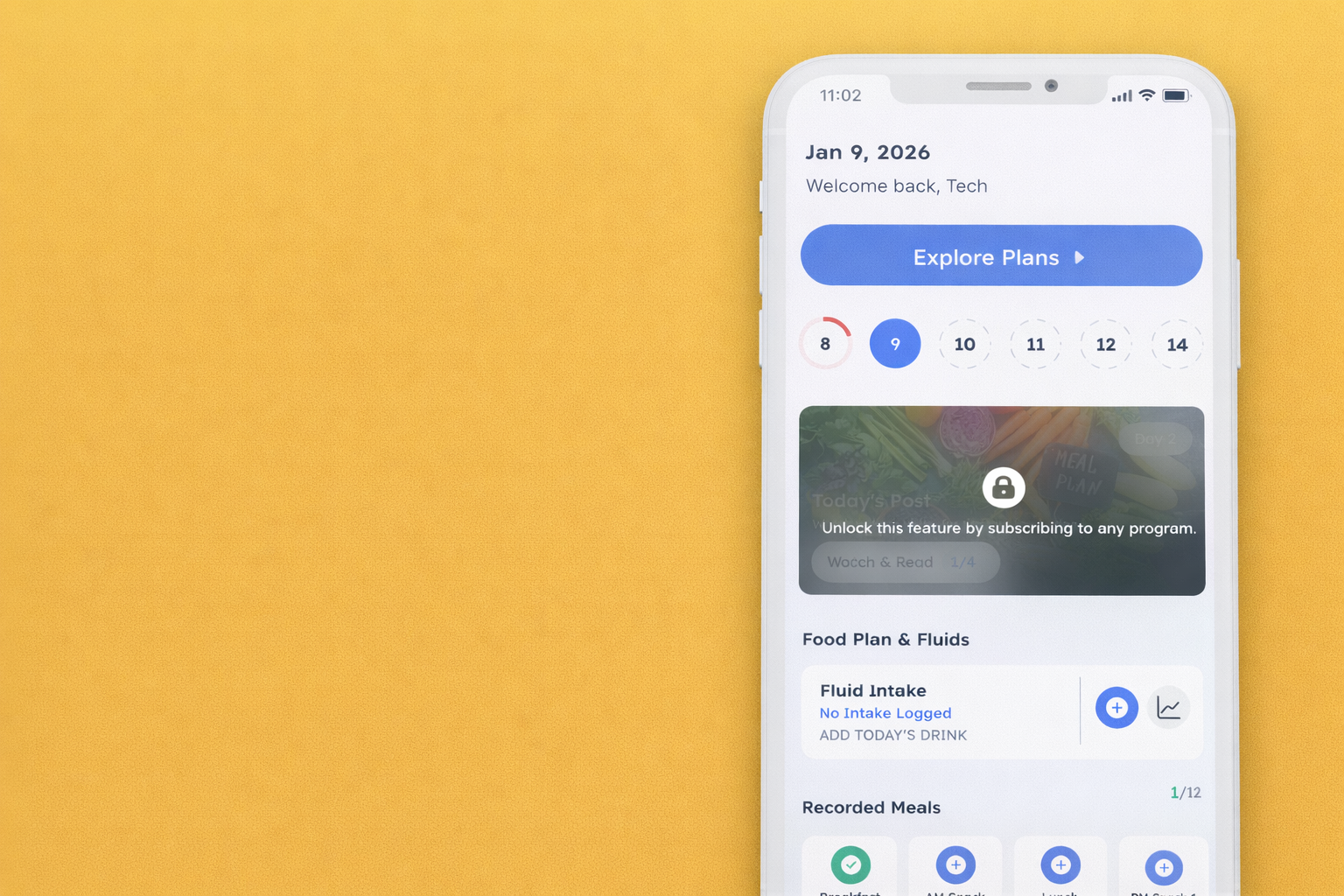
Stuck on a Previous Program (e.g., Fall 2025)
If the app is showing a previous program instead of the Winter Program:
What to do:
-
Go to Profile
-
Select Subscribed Programs
-
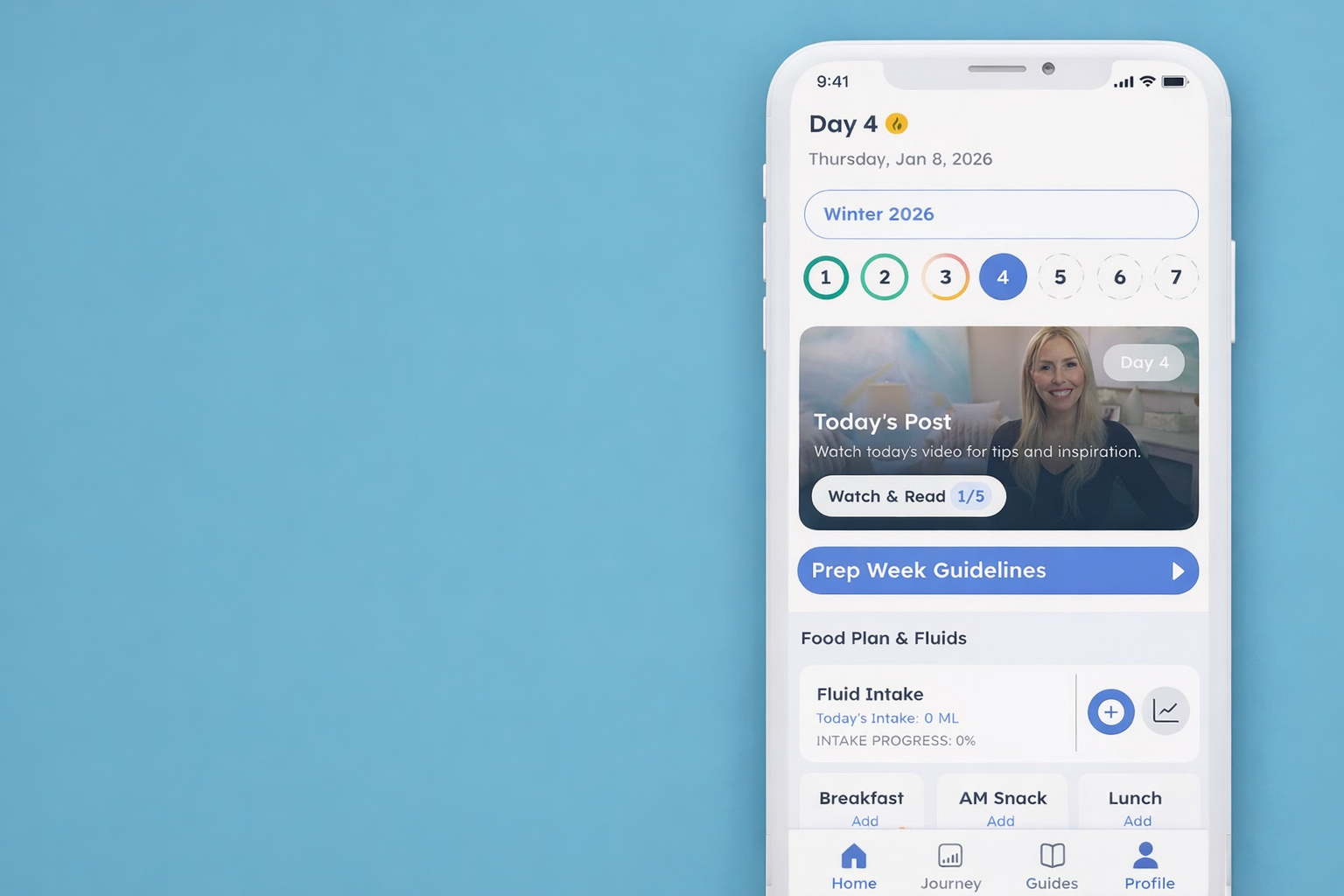
Tap the Winter 2026 banner
The app should update immediately.
Not Receiving a Password Reset Email / Invalid Reset Token
If you’re having trouble resetting your password:
What to do:
-
Delete any old password reset emails from your inbox
-
Use Forgot Password directly in the app
-
Allow a few minutes for the email to arrive
-
Check your spam or junk folder before requesting another reset
If you do not receive your password reset email within one hour, please email us and we can manually send it to you.
Logged In but Don’t See the Winter Program (or the App Is Asking You to Purchase Again)
This usually means a different email address was used to register.
What to do:
-
Log out of the app
-
Log back in using the same email address you originally used to purchase the Winter Program
Once logged in with the correct email, your program should appear automatically.
App Crashing
We’re aware of some app crashing issues on older Android devices, and our app team is actively working on improvements.
If:
-
You are not using an Android device, and
-
The app continues to crash
Please email us so our team can take a closer look.
No Sound on Some Videos
If you’re unable to hear audio on certain videos:
What to do:
-
Check that your phone is not on silent mode
-
Ensure your volume is turned up
-
Confirm that sound and notifications are enabled for the app in your device settings
🔍 Data, Display, and User Experience Updates
As part of the app launch, our team is also reviewing feedback related to data migration and overall user experience, including:
-
Weight data appearing slightly different than expected
-
Visual display inconsistencies across devices
-
Minor layout or formatting issues
-
General UX/UI refinements
In most cases, these items are related to how data is displayed or synced, not the underlying information itself. Our app team is actively reviewing these areas and rolling out improvements as part of ongoing updates.
No action is required at this time unless something appears significantly incorrect or is preventing you from using the app as intended.
Your historical data has not been lost. Any inconsistencies you may notice are related to display or syncing and will be addressed through updates.
Before You Contact Support
Many launch-related issues resolve quickly using the steps above. Before submitting a support ticket, we recommend reviewing this page and trying the suggested fixes.
If your issue:
-
Isn’t listed above, or
-
Continues after trying the steps provided
Our support team is happy to help. Please note that response times may be slightly longer than usual during this launch period.
What Our Team Is Doing
-
Monitoring app performance and feedback continuously
-
Prioritizing fixes based on impact and frequency
-
Reviewing data migration and user experience feedback
-
Rolling out improvements as quickly and safely as possible
Each update improves stability for everyone.
Thank You for Your Patience
We truly appreciate your patience, understanding, and feedback as we work through this transition. This app was built for our community, and it will continue to improve as updates roll out.
We’ll keep this page updated as progress is made.