How to navigate Freemium Mode
Freemium mode is the free version of the app that is available to members once they are no longer actively enrolled in a Weight Loss Program.
In Freemium mode, you can continue using the app for basic habit tracking, such as weight, water intake, meals, and other daily habits. However, it does not include program content, guides, recipes, or full app functionality. Those features are part of the paid Weight Loss Program experience.
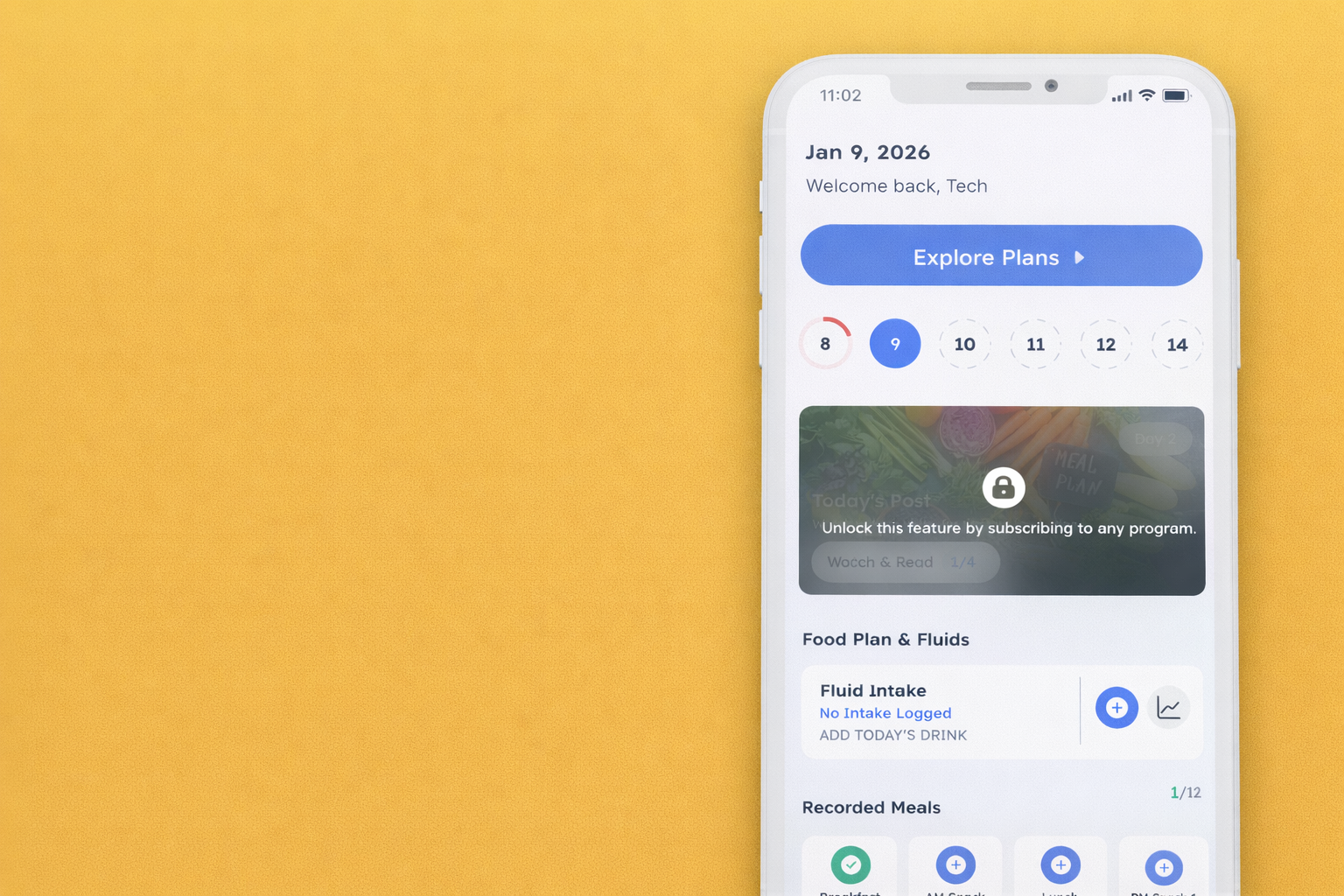
If the app prompts you to “explore the plans,” this simply means the content you are trying to access is tied to an active program. You can remain in Freemium mode without enrolling in a new program.
In this article we will show you how to navigate Freemium Mode and what features are available.
You will be able to input your food/fluids and daily routine data in Freemium Mode for each individual day on the “Home” tab. You can input data for each section by tapping on the “+” button for that section.
Food Plan & Fluids:
- Fluid Intake
- Breakfast
- AM Snack
- Lunch
- PM Snack 1
- PM Snack 2
- Dinner
- Bonus

Daily Routine:
- Weight Check-In
- Sleep Quality
- Body Movement
- Intentions & Reflections

Note: If you are receiving a prompt to unlock your full journey while inputting your fluids or body movement, please exit out of that page and your inputs should still be there. If this prompt does not pop up, please ignore this.