How to Log in to the New Livy Method App - New Members
In this article, we will show you how to log into our New Livy Method app for our brand new members.
1. First step is to download our app. Go to the App Store or Google Play store and search The Livy Method. Click on the Livy Method logo to enter the app details page

2. Make sure you have the latest version. It is constantly being updated, in the red box is where it will show the latest update available. You may have to click UPDATE to get the latest version.

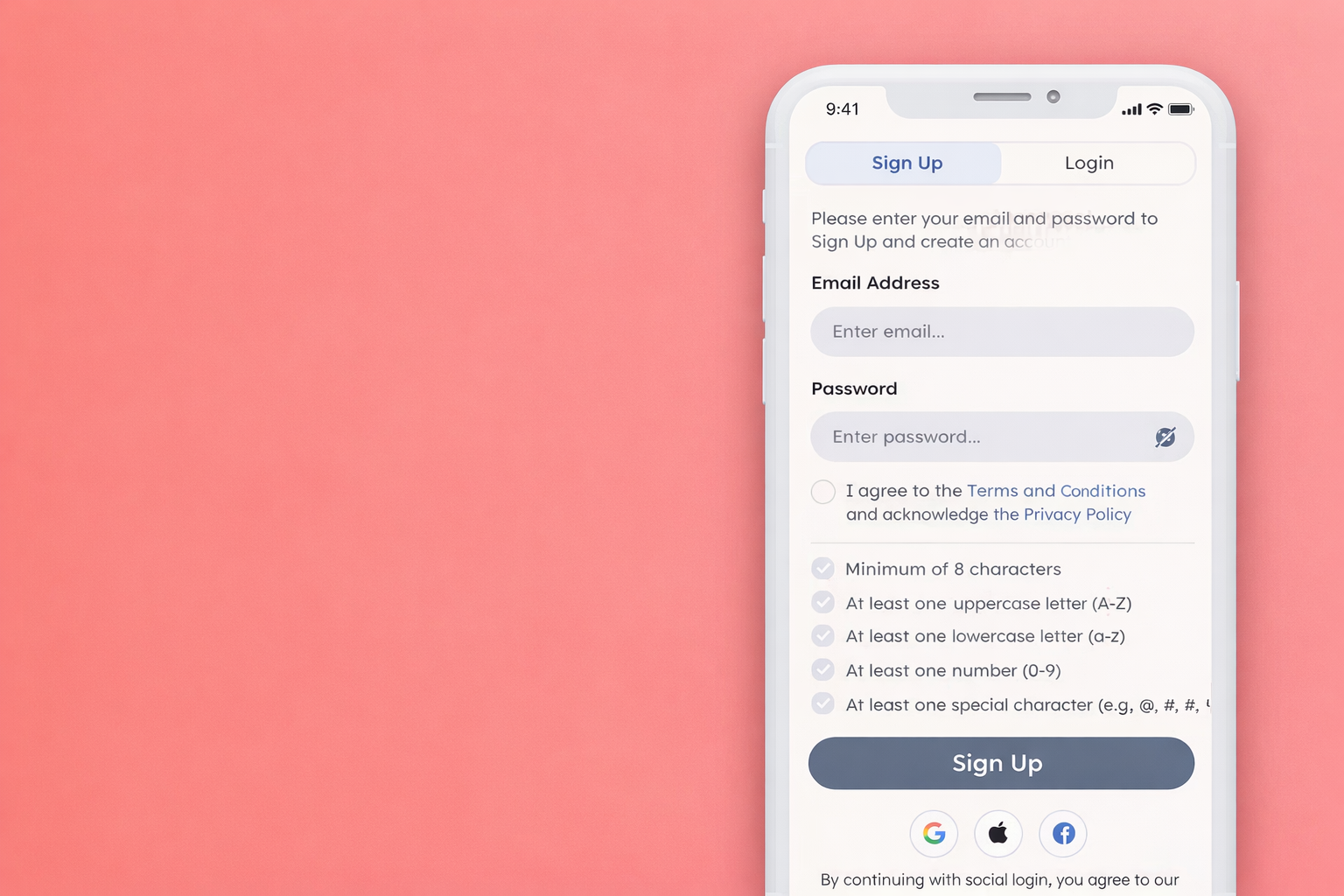
3. Once your app is updated, open it and you should get to the sign on screen below. If you are a brand new Livy Method app user, you will click on Sign Up and create your account. Please note: It's important you use the same email address you used to purchase the Program with on our website. That is the email address that is linked to your purchase in the app so if you use a different one, we won't have a record of it. If you need to confirm your email address, it will be the one that your confirmation email was sent to.

4. Once you have created your account and logged in, you should see the below screen with the program banner at the top.
Please note: If you do not see this banner, double check to see if you used the same email you used to purchase the Program with. If it is the same email, and you still don't see the program banner, you may need to email us at techsupport@livymethod.com to make sure you are assigned to the Program.

NOTE: Some members may also see an older group, specifically if you didn't complete it. All you have to do is click on the Profile tab at the bottom, click "Subscribed Programs" and the click on the program banner and you should be entered into the Program
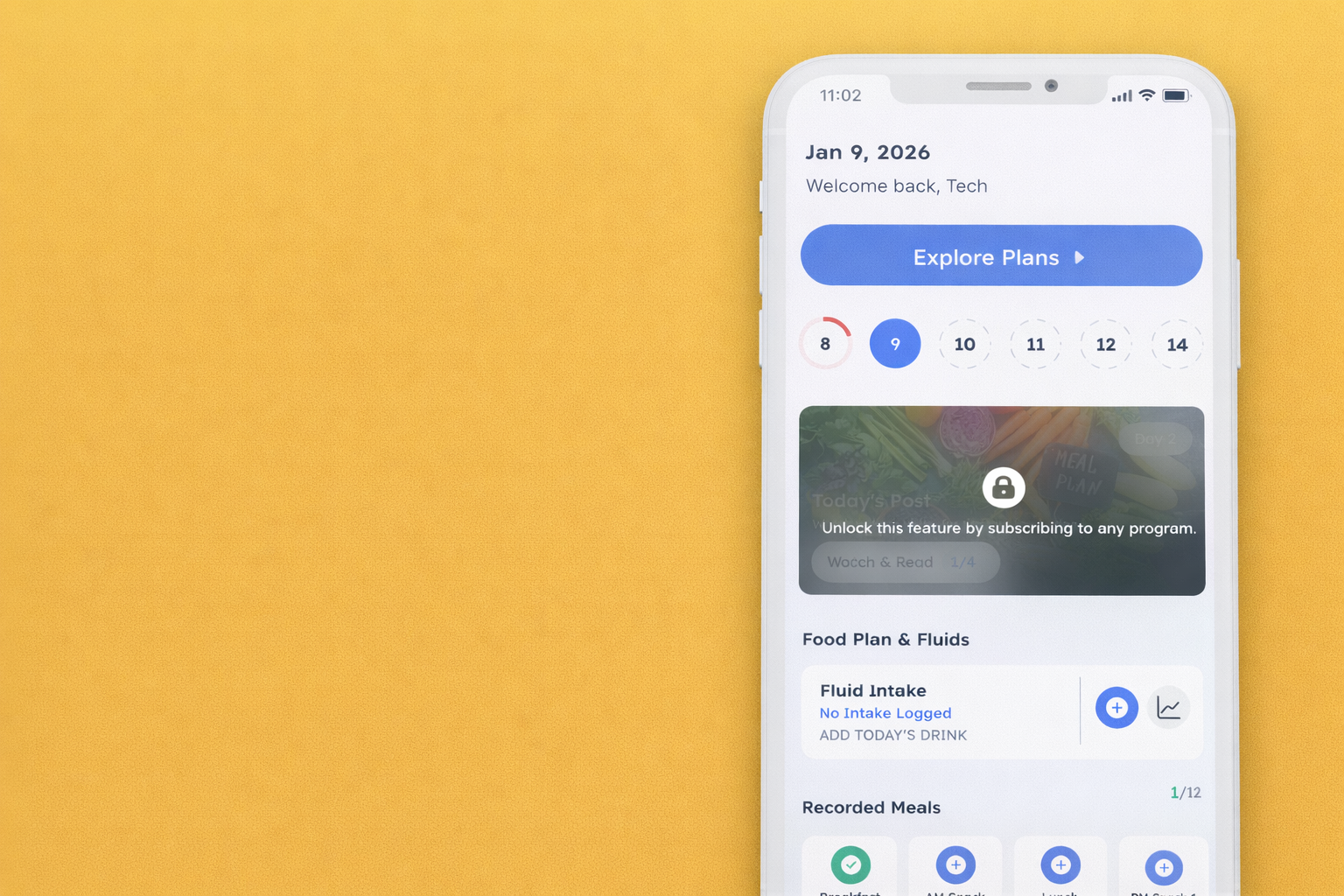
7. If you did not purchase a weight loss program Program or our Subscription plan, you will enter what we can Freemium mode.
Freemium mode is the free version of the app that is available to members once they are no longer actively enrolled in a Weight Loss Program.
In Freemium mode, you can continue using the app for basic habit tracking, such as weight, water intake, meals, and other daily habits. However, it does not include program content, guides, recipes, or full app functionality. Those features are part of the paid Weight Loss Program experience.
If you participated in a previous Weight Loss Program, any data you entered during that program is still accessible. To view it, go to Profile, select Subscribed Programs, and then tap into the specific program you participated in to see your saved data from that time.
If the app prompts you to “explore the plans,” this simply means the content you are trying to access is tied to an active program. You can remain in Freemium mode without enrolling in a new program.