
How to Set your Reminders
In this post we will go over how to set your Reminders
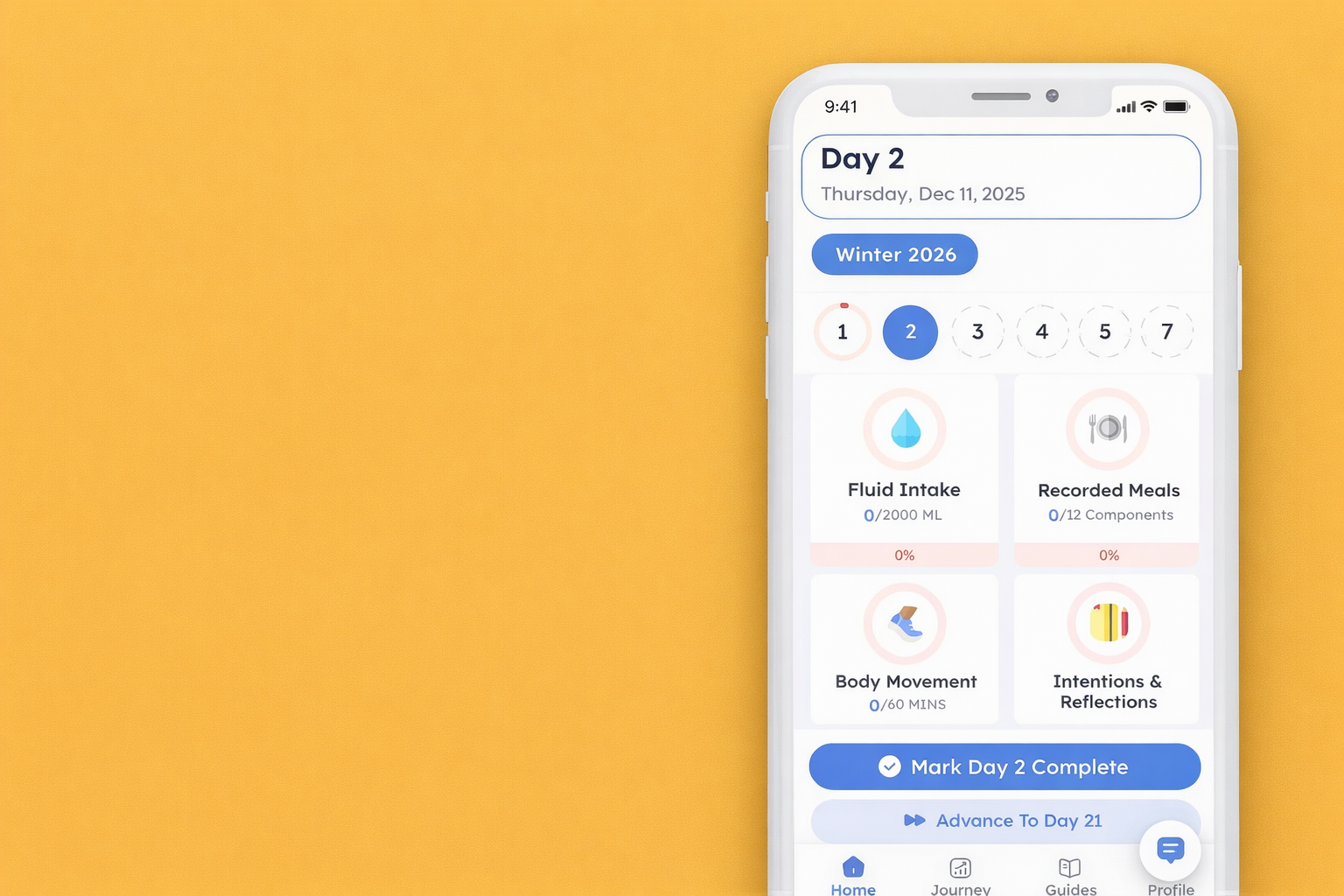
1. Tap "Profile” on the bottom right corner.

2. Scroll down and tap on “Reminders”.

3. You can tap on the “+” button beside each reminder and it will allow you to set a time for that reminder to notify you.


4. If you already have a reminder set and want to edit it, you can click the black arrow icon to edit that reminder.


5. If you would like to delete a reminder you can swipe left on it and a red trash icon should appear. Click on the red trash icon to delete the reminder.