
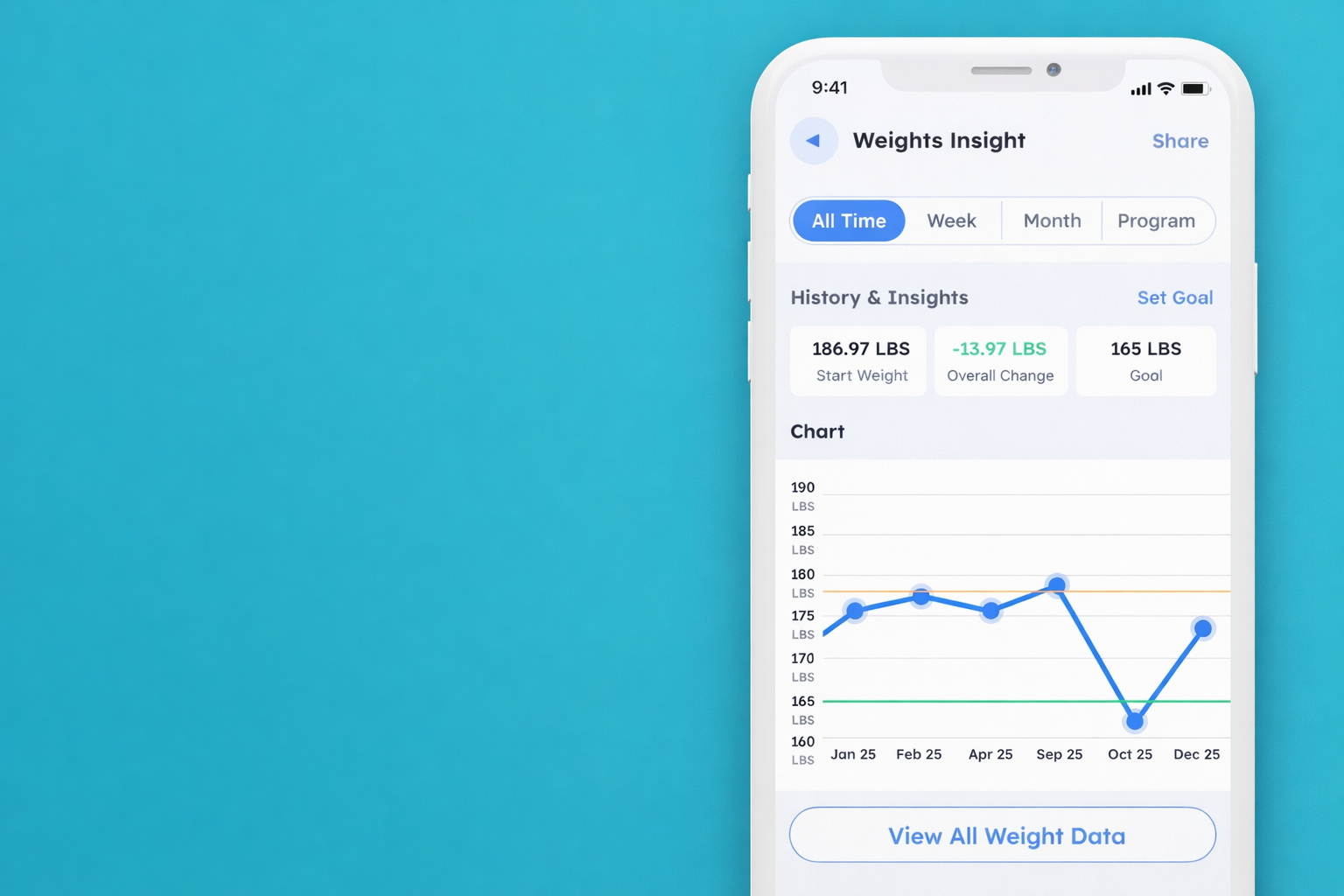
How to review your historical data and insights
In this article we will go over how to review your historic data and insights.
1. Click the “Progress” icon for any of the sections you would like to review the data and insights for.

2. You can set a “Target” or “Goal” for any of the applicable sections by tapping the “Set Target/Goal” button at the top of the page. (For the weight section it will be labelled “Goal”).

3. Type in your Target/Goal and tap “Save Target/Goal”.

4. You can review all of your historic data and insights from the chart. You can also filter it by “All Time, Week, Month and Program”.

5. You can also view all your separate data entries by tapping on “View all Data” at the bottom of each section. This will bring up all the individual entries.


