
How to edit your profile and change your settings
In this article we will go over how to edit your profile and change your settings.
How to update your profile
1. On the “Home” screen, tap the “profile” button on the bottom right corner.

2. Click the pencil icon on the top right corner.

This will allow you to update your:
- Profile picture
- First Name
- Last Name
- Weight Unit Preference
- Start Weight
- Finally & Forever Goal

3. Click “Update” at the bottom of the page to save your profile.

How to change your settings
1. Tap the “profile” button on the bottom right corner.

If you scroll down, you will have two sections: one for Account Information and one for Settings.

For the account information you can view and edit:
- Subscribed Programs
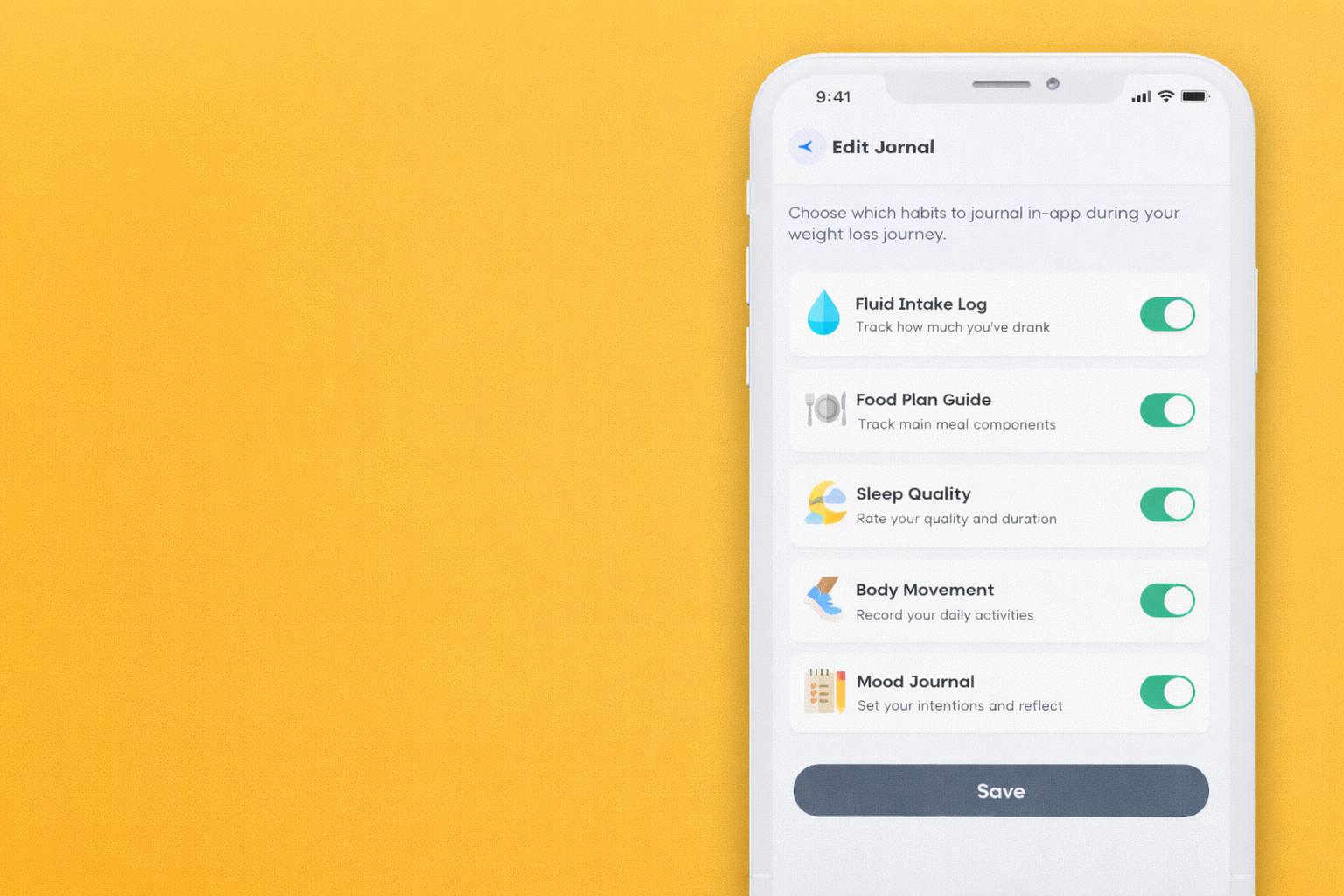
- Edit Journal
- Unit Preferences
For the Settings section you can view:
- Reminders
- Frequently asked questions
- Terms of Service
- Privacy Policy